4. Create External Schema
Steps to create external schema and query external tables using Amazon Redshift Spectrum
| Step | Do | Verify |
|---|---|---|
| Create external schema |
Run the following SQL in Query Editor.
Replace the value for <RedshiftClusterRoleArn> with the value previously determined. Also, replace the value for <GlueExternalDatabaseName> as captured from cloudformation output |
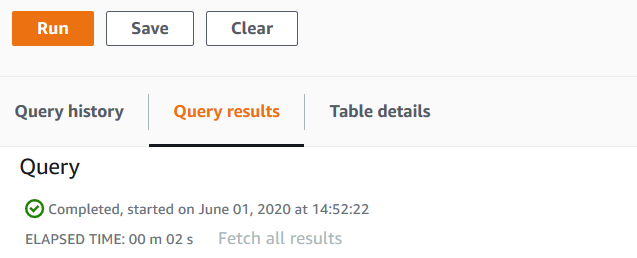
When the query completes you will see the following in the query results
|
| Check the external schema |
Run the following SQL
|
When the query completes you will see the following in the query results

|
You can review the external table definition by using the following url, open a new tab https://console.aws.amazon.com/glue/home?region=us-east-1#table:name=parquet;namespace=demo
If you see the get started AWS Glue page, click on get started. Then click on parquet table.
Observe the following about the table definition:
• The file format is Parquet
• The table’s location on Amazon S3
• This table has 160M records
• column[s] and corresponding data types

Let’s go back to the Amazon Redshift Query editor.